


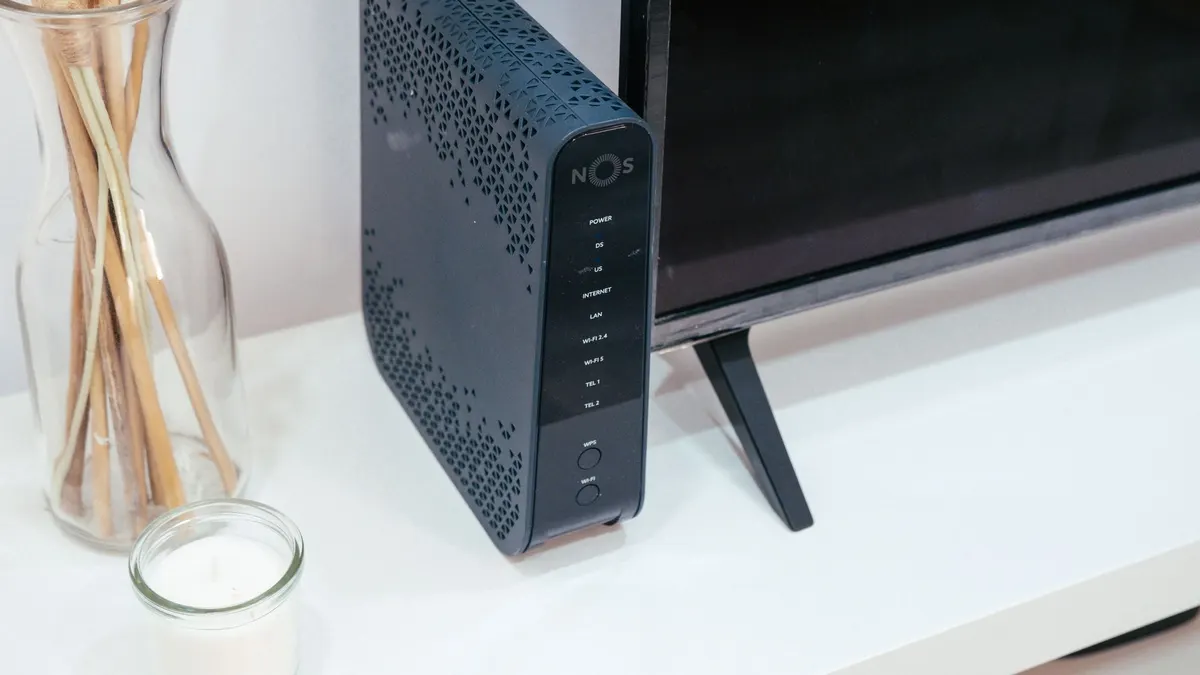
A mobile router does not make your signal stronger. It is a cellular modem, a Wi-Fi access point, and a traffic manager in one box, and the reason to buy one is what you can connect to it, not what it does to the radio waves. If your problem is bars, the fix is an antenna or a booster. If your problem is that several devices need a reliable connection that survives moving between carriers, a router is the right tool.
Here is what the specs actually mean, using Peplink’s published datasheets as the reference, and the honest case for not buying one.
The four specs that matter
Antenna connectors. This is the real reason to own a dedicated router. Peplink’s MAX BR1 Pro 5G datasheet lists 4 SMA cellular antenna connectors, 2 RP-SMA Wi-Fi connectors, and 1 SMA GPS connector. The smaller MAX BR1 Mini 5G lists 4 SMA cellular connectors. Four cellular ports exist because modern cellular uses multiple antennas at once, which is what MIMO means, and Peplink’s own Mobility 42G roof antenna is built as a 4x4 MIMO unit to feed exactly those four ports.
A phone or a carrier-branded hotspot has its antennas sealed inside a plastic shell, sitting inside a metal-walled vehicle. There is no port. That is the gap a router closes.
DC power input. Both Peplink units accept 10V to 30V DC on the power port. That means the router runs directly off a 12V house battery with no inverter in the path and no conversion losses. The BR1 Pro 5G’s power port also supports ignition sensing, so the router can follow the vehicle’s ignition state. The Mini adds 802.3at Power over Ethernet as an option.
Power draw. Peplink publishes these plainly, and one of the numbers is counterintuitive:
| Model | Nominal | Maximum |
|---|---|---|
| MAX BR1 Pro 5G | 8W | 19W |
| MAX BR1 Mini 5G | 11W | 13W |
The smaller, slower, cheaper unit draws more at idle than the larger one. Do not assume the compact model is the efficient model. Check the sheet.
Bands and carrier certification. The BR1 Pro 5G’s datasheet lists LTE bands B1 through B71 depending on variant and 5G sub-6GHz bands including n77 and n78, with US carrier certifications for AT&T, T-Mobile, Verizon C-Band, and FirstNet. This is the least glamorous spec and one of the most consequential: a modem that does not support the band your carrier uses in the places you camp is a modem that will not connect there.
Ignore the headline throughput number
Peplink lists the BR1 Pro 5G at 3.4 Gbps down and 900 Mbps up on 5G, and 1.6 Gbps down on LTE CAT-20. The datasheet footnotes all of them: “Maximum theoretical data rates.”
Those are modem category ceilings, achieved under laboratory conditions with a full-strength signal and an uncongested tower. In a campsite 12 miles from a tower on a band shared with everyone else in the valley, they predict nothing. Nobody in an RV is bandwidth-limited by their modem’s category.
The router’s own throughput figures are more informative because they describe the box rather than the network. Peplink lists 1 Gbps router throughput for the Pro and 300 Mbps for the Mini, plus recommended user counts of 1 to 150 and 1 to 60 respectively.
One number worth pulling out because it shows a real cost: Peplink’s SpeedFusion VPN throughput on the BR1 Pro 5G is 400 Mbps with no encryption and 200 Mbps with 256-bit AES. Encryption halves it. The Mini goes from 80 Mbps to 60 Mbps. Encryption is worth having and it is not free.
Failover and bonding, and the subscription attached to them
The feature that justifies a purpose-built router for people who work on the road is multi-WAN. Peplink calls its version SpeedFusion, and the datasheet lists hot failover, smoothing, and bandwidth bonding. The BR1 Pro 5G can take cellular, a 2.5GbE Ethernet WAN, and Wi-Fi as WAN simultaneously, which in practice means a cellular modem plus a Starlink dish plugged into the Ethernet port, with traffic moving between them automatically when one drops.
That is the redundancy pattern we describe in our boondocking internet guide, implemented in hardware instead of by hand.
Now read the footnote. On the BR1 Pro 5G datasheet, the SpeedFusion VPN peer count carries note 2: “Requires a PrimeCare subscription, complimentary for the first year.” On the Mini, the SpeedFusion features carry a similar note requiring a subscription or a feature pack license.
Say the plain version: some of what the box does today, it stops doing on a renewal date unless you keep paying. That is a legitimate business model and it belongs in your cost comparison, not discovered in month 13. Budget it the way you would any other recurring cost in our monthly costs guide.
Why these cost what they cost
A consumer router is $80 and a Peplink BR1 Pro 5G is not. Some of the difference is in rows people skim past on the datasheet:
- Operating temperature -40F to 149F (-40C to 65C) on both units. Consumer gear is not rated for a parked vehicle in summer or winter.
- EN61373 shock and vibration resistance and EN50155 railway rolling stock certification on the BR1 Pro 5G. Those are standards for equipment bolted to something that moves and shakes for years.
- Redundant SIM slots on both, plus eSIM support with two profiles, which lets a second carrier sit ready.
- Fanless metal enclosure, so there is no moving part to fill with dust.
Whether that is worth the price depends entirely on whether losing the connection costs you money.
The unhelpful part
For most people camping, a dedicated mobile router is the wrong purchase. Consider the honest hierarchy of what actually fixes connectivity problems, cheapest first:
- Move the rig or the device. Signal varies enormously over a few hundred feet and a phone on the dashboard beats a phone in the back.
- Choose the carrier that covers where you camp. No hardware overcomes buying the wrong network.
- Get the radio outside the metal box. An external antenna is usually the highest-value connectivity purchase in an RV.
- Add amplification if a weak signal exists. See cell boosters, and read the part about the FCC gain ceiling before you shop.
- Buy a router, if you need multiple devices, antenna ports, DC power, and automatic failover.
A router belongs at step five because it does nothing for steps one through four. If your working setup is a laptop and a phone and you camp inside decent coverage, the phone in your pocket is already a router with a modem, an access point, and a battery, and adding a second one solves a problem you do not have.
If you do work off-grid and the connection is your income, the calculus flips completely. Two independent paths managed automatically is the difference between a hiccup and a missed meeting, and that is the case these devices are built for. More connectivity material lives at /internet/, and the hardware comparisons at /gear/.
Sources
- Peplink/Pepwave, MAX BR1 Pro 5G datasheet (power consumption, antenna connectors, throughput, certifications, subscription footnotes), accessed July 18, 2026
- Peplink/Pepwave, MAX BR1 Mini 5G datasheet (power consumption, antenna connectors, throughput, PoE input), accessed July 18, 2026
- Peplink/Pepwave, Mobility 42G antenna datasheet (MIMO elements, connector types), accessed July 18, 2026